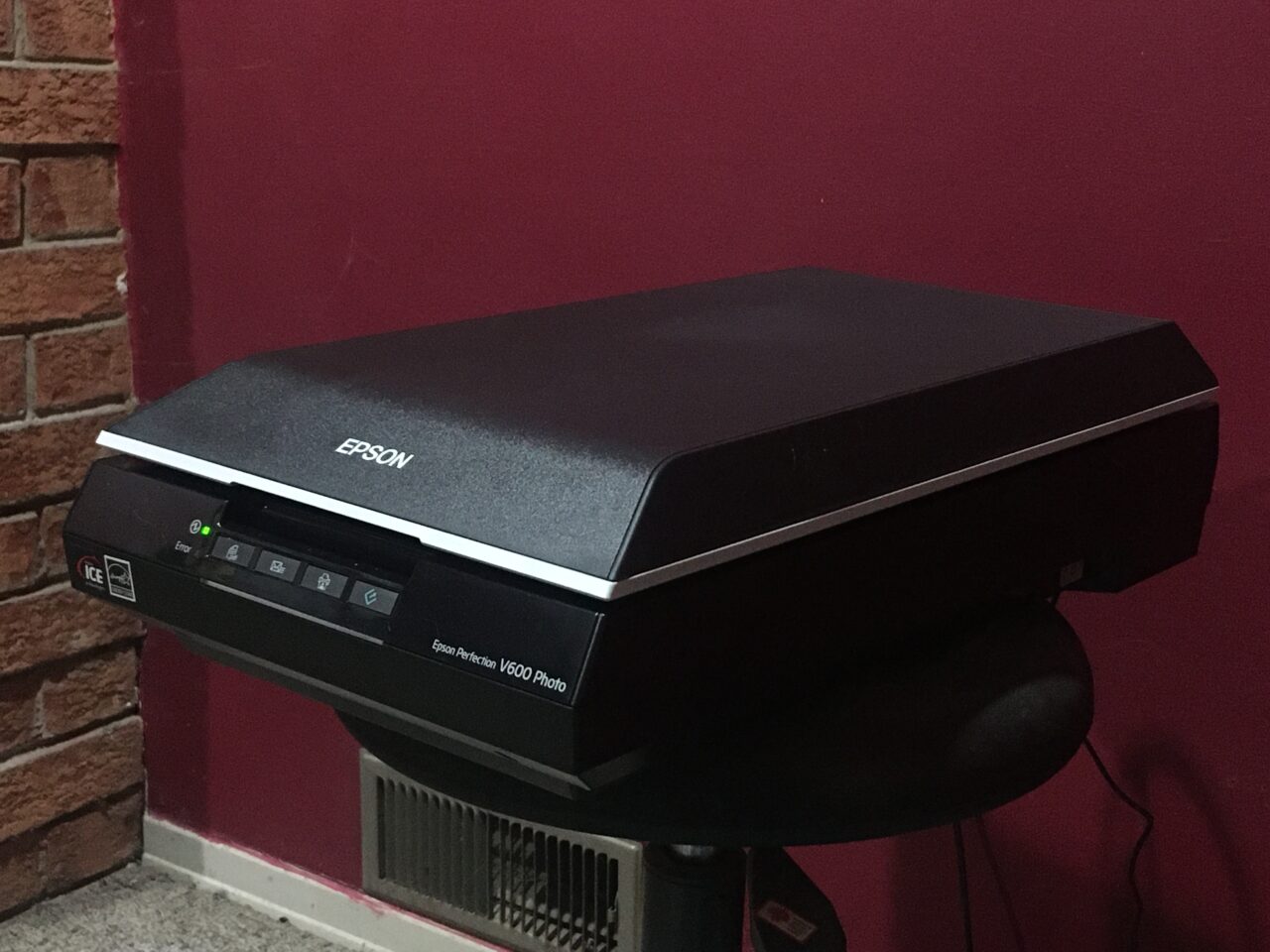
Today, as my left calf was giving me considerable grief following yesterday’s rope skipping incident, I decided to do ‘relaxing’ things. Setting up the slide scanner which arrived a few weeks ago seemed a good idea.
It’s pretty clear that the instructions were written in the dark ages and never updated; they referred to Windows 7 and Windows 8; problem resolution suggested verifying that the computer was USB-compatible (after suggesting one make sure the thing was in fact plugged into a USB port!), etc. I can only assume that they are in competition with HP for the Tech Darwin Award of the Century.
Minimal instructions on set-up and a CD-ROM. Going to the Epson on-line site did provide a download option, so did that.
Then spent a frustrating half hour trying to get the thing to even come on. Got the voltage tester out to make sure there was in fact juice coming out of the adapter, and yes indeed, there was. That’s when I discovered the ‘On’ switch cleverly hidden on the right side of the unit, near the back, in a recessed cavity. That would explain why there was nothing obvious on the front, and I had to revise my initial assumption that the thing must just always be on.
It took me another hour to figure out how to scan slides. Pushing the buttons on the front of the unit as suggested in the instructions did nothing whatsoever. I thought that this being Hell—pardon me, Windows—maybe I had to reboot to activate the driver. Uh, no. Ok, let’s do it the other way and run the software from the computer end.
I kept being told that no document was found. I assumed that the fault lay in my scanner setting choices, none of which was ‘slide’, ‘diapositive’, or the like. It turns out that I’d placed the slide holder the wrong way around onto the scanner bed. I must take the blame for not having used a microscope to check the details in the image in the instructions; mea maxima culpa!
Finally got that sorted out, and found that the ‘scan’ option was greyed out until I’d done ‘preview’ first. My apologies; I haven’t visited the 50s in some time. I then discovered that *after* the preview the button on the front of the scanner worked. Um, ok, but if they force me to start at the computer end, what’s the point? I assume that there’s something I’m missing somewhere. Time to submit a ticket to the support animals … again ….
I pulled four slides from an arbitrary Paximat1)A projector which I inherited; the slides are placed into long plastic container which are then placed into the projector. box; I noticed that that particular part of the box was labelled ‘Wittelbach’ and that the slides themselves were dated to various days in September 1995.2)By the way, I adopted a convention for labelling the slides according to where I get them from; in this case PM-01-YYMMDD, where ‘PM-01’ refers to ‘Paximat Magazin 01’ and ‘YYMMDD’ refers to the date on the slide. If slides are undated I’ll come up with something else (like the slot number) and where there are multiple slides for a given day I’ll just add a numeric suffix.
This process (even at 300 DPI) is low as molasses in January in the Antarctic. Anyway, here are the results of the first attempt.




Notes
| ↑1 | A projector which I inherited; the slides are placed into long plastic container which are then placed into the projector. |
|---|---|
| ↑2 | By the way, I adopted a convention for labelling the slides according to where I get them from; in this case PM-01-YYMMDD, where ‘PM-01’ refers to ‘Paximat Magazin 01’ and ‘YYMMDD’ refers to the date on the slide. If slides are undated I’ll come up with something else (like the slot number) and where there are multiple slides for a given day I’ll just add a numeric suffix. |
Leave a Reply
You must be logged in to post a comment.