
Decided to instal these two applications on the Dell PC so I’d have a similar set-up to what I have on the Macbook.
Author: Karljürgen Feuerherm Page 2 of 8
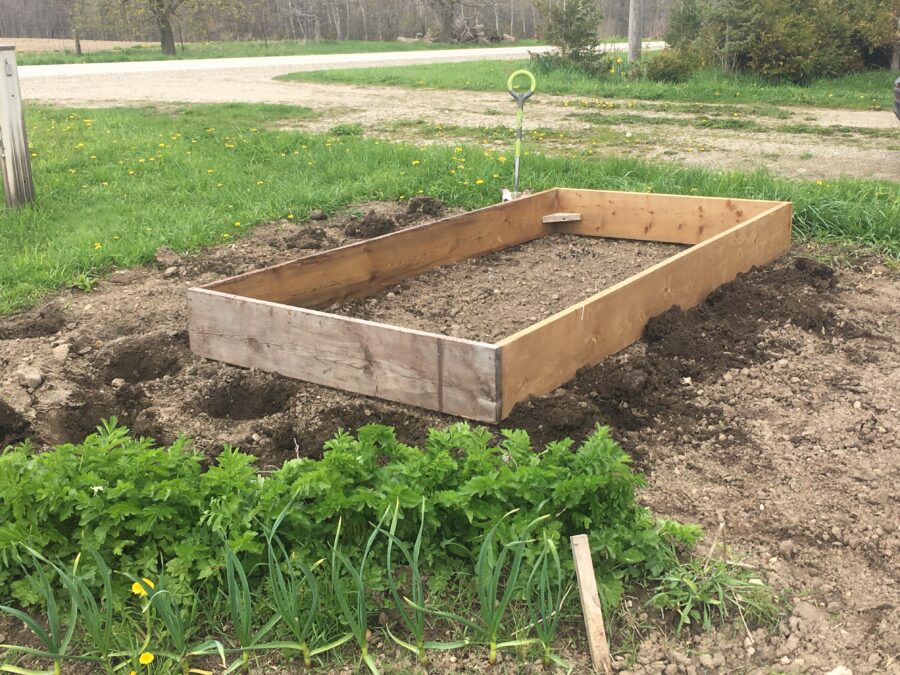
Today the weather was sufficiently nice that I no longer had an excuse to get out there and do some necessary garden work.
Our neighbour had kindly donated a 5′ x 10′ box for a raised garden, so I placed it north/south just east of the original row of potatoes.
Then I took the ‘golden gems’1)Very small Yukon Gold species. which had sprouted and I had not yet planted, and put 6 in to the east of the box, and 6 in an inverted triangle2)Tip pointing south. to the south of the box.
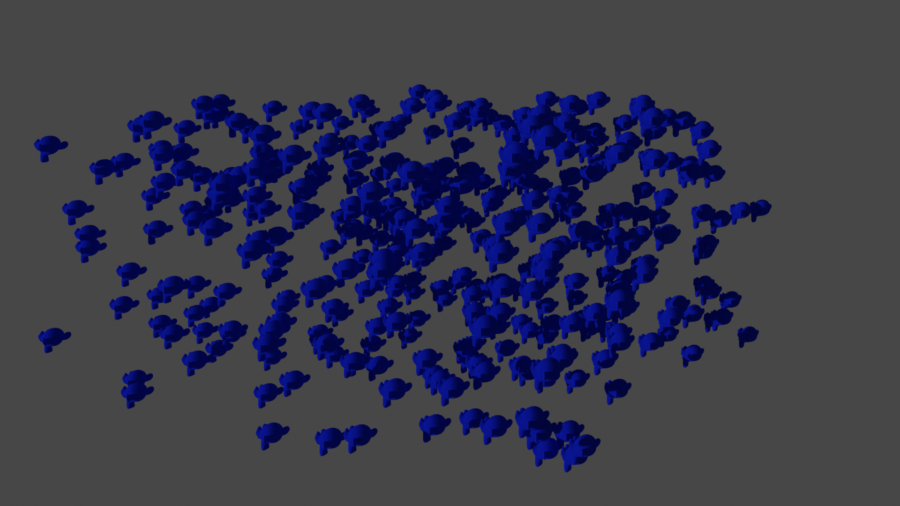
I started working on Blender scripting two years ago with a view to creating model submarine parts.
But I’d forgotten how to get started, so I just watched a simple tutorial to help refresh my memory.
Here’s the code to produce the monkeys.
import bpy

from random import randint

# Clear the workspace
bpy.ops.object.select_all(action='SELECT')
bpy.ops.object.delete(use_global=False)


# Generate some randomly spaced monkeys
for _ in range( 0, 400 ):

    # Pick a random location within a given space
    x = randint( -20, +20 )
    y = randint( -20, +20 )
    z = randint( -10, +10 )

    # Add a monkey
    bpy.ops.mesh.primitive_monkey_add( location = ( x, y, z ) )

    # Change the resolution of the current monkey.
    # Shade smoothing reduces the number of vertices and thus the
    # load on the processor.
    bpy.ops.object.modifier_add( type='SUBSURF' )
    bpy.context.object.modifiers[ "Subdivision" ].levels = 2
    bpy.context.object.modifiers[ "Subdivision" ].render_levels = 1
    bpy.ops.object.shade_smooth()
Updated the MacBook to Big Sur 13.1 today.
I had left the machine on overnight as it claimed that it would update ‘later tonight’ and then restart, but for whatever reason, it didn’t happen.
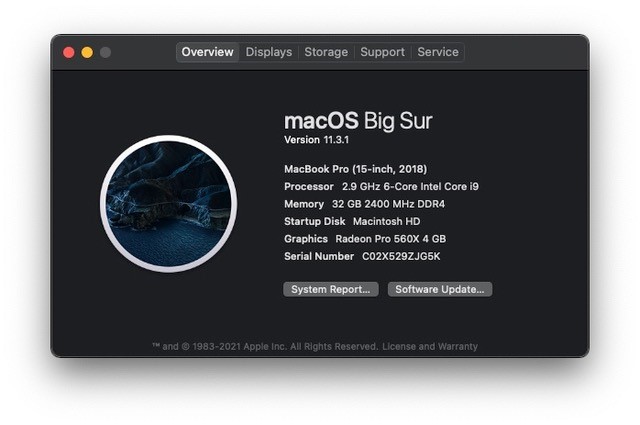
At the last update, the Time Machine backup system went wonky. Let’s hope there are no ‘surprises’ this time!
Having come up with a preliminary design for a deck using software I found on-line, I concluded that the information it made available was not adequate for filing a building permit, so I took a look at Sketchup, which I had heard was simple and free.
Well, apparently the free version is a browser-only version. That’s not an issue, except that the useful tools for deck design are extensions and those don’t seem to be available for the browser-only version.1)Note that I said ‘seem’; I could be wrong, but I couldn’t find any useful information on the subject. As is so often the case, on-line help I found was outdated. And given what I saw in the interface, I decided I’d be better served investing my time in reacquainting myself with a much more useful tool I’ve used in the past.
So I installed Blender. Now, I have to relearn how to use it!
Notes
| ↑1 | Note that I said ‘seem’; I could be wrong, but I couldn’t find any useful information on the subject. As is so often the case, on-line help I found was outdated. |
|---|
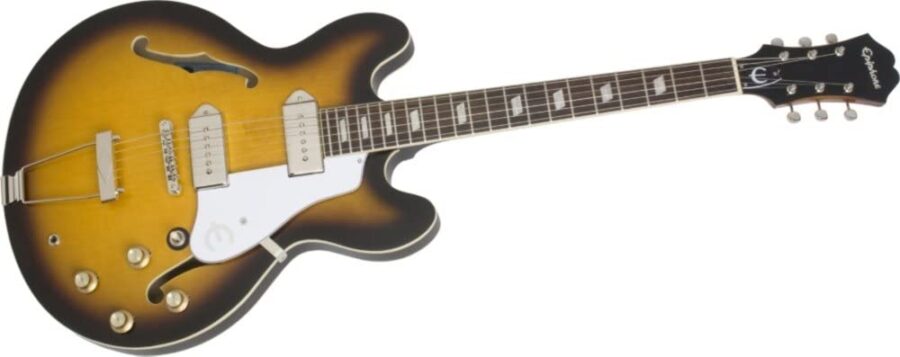
I’ve been using CDLC (‘custom downloadable content’) courtesy of Customs Forge for several years on the MacBook Pro, but I’d not got around to setting that up on the Dell G5 until today. I also created a folder CDLC within the Rocksmith dlc folder so I can keep any CDLC I instal organized.
So I did that! I plan to move all non-serious work to the Dell in due course. That includes games ….
Two important software installations today:
- I updated GeForce Experience on the Dell G5
- I installed the Elgato Video Capture software, in order to record things from the Shaw Direct PVR which is being returned shortly:
- updated the software on the MacBook Pro, but couldn’t get it to work
- installation of the main application on the Dell G5 (which didn’t initially work)
- installation of the video capture driver on the Dell G5 (after which, it did).
Today I discovered Firefox Synch and enabled it for both the Dell G5 and the MacBook Pro.
This will make updating bookmarks and passwords a lot easier!
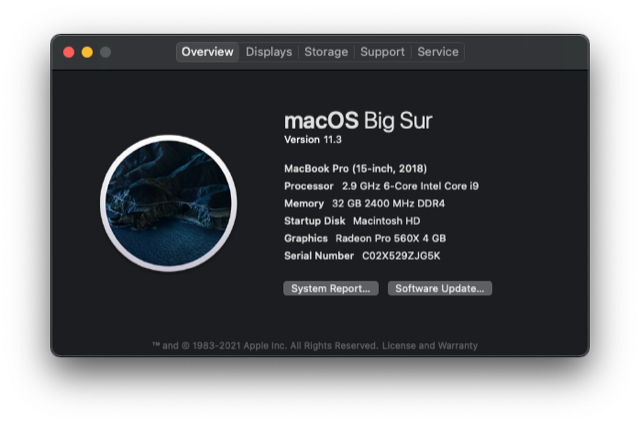
macOS Big Sur was updated today:
Camtasia 2021 was installed on both the Dell G5 and the Macbook Pro.